

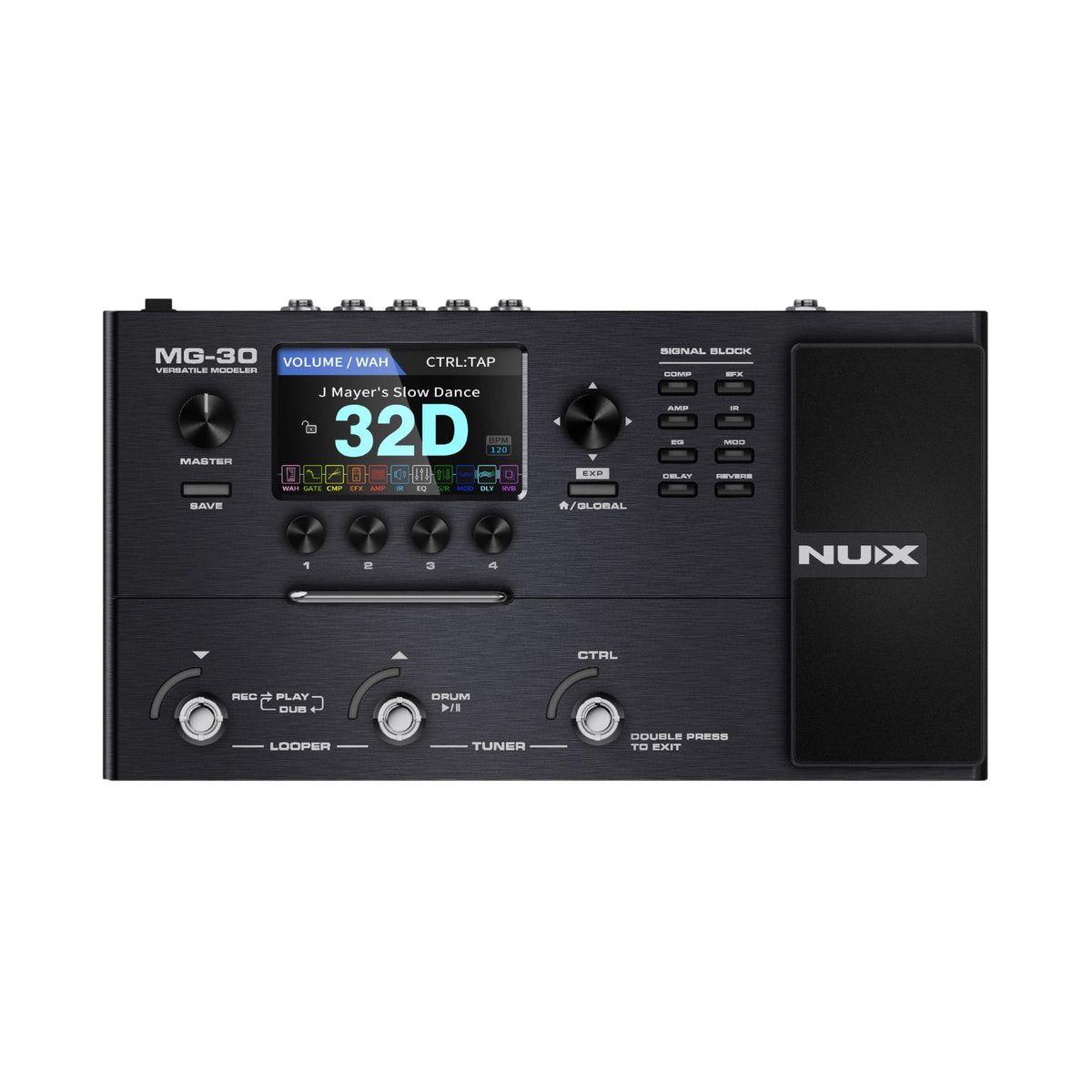
Latest Update Available
as of March 16 2026
Note: The (GEN2) firmware version is ONLY compatible with (GEN2) QuickTone™ Editor Software.
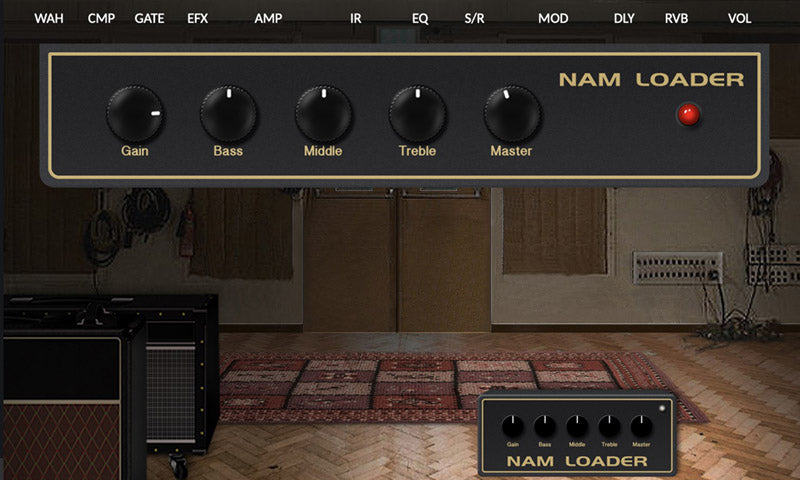
Get 10 NAM slots to load into and play with in the AMP block.
MG-30 Gen2 Firmware Update
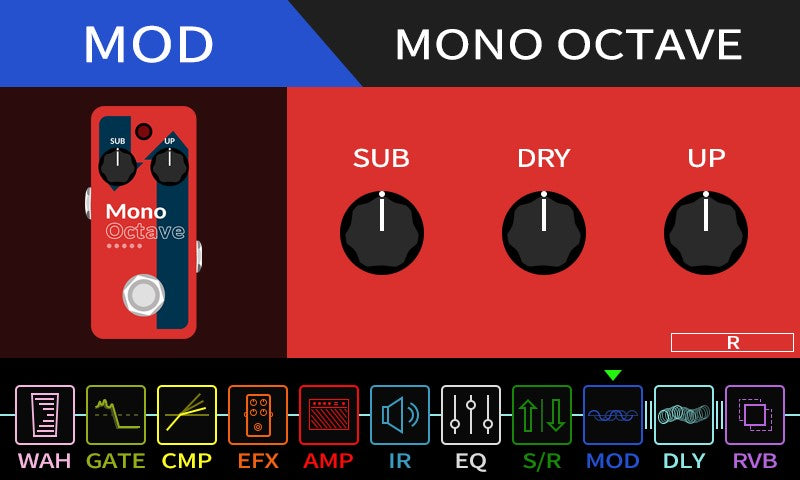
MG-30 Gen2 Firmware Update
MG-30 Gen2 Firmware Update
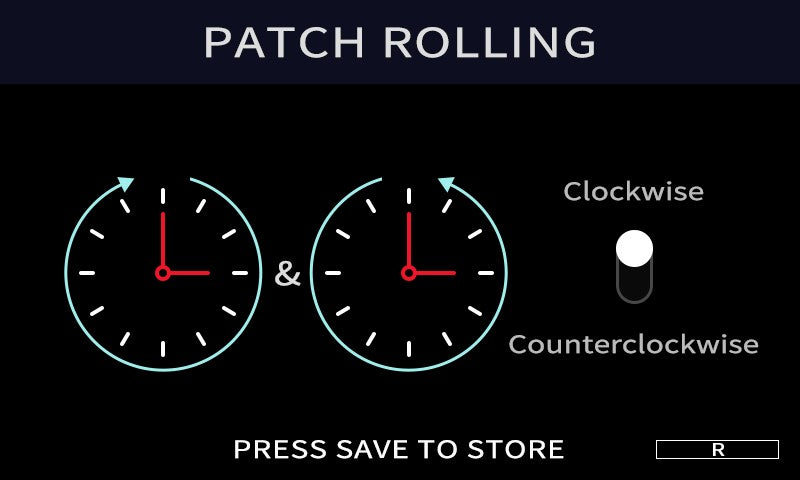
Patch Rolling
Clockwise / Counterclockwise, press CTL to Quit.
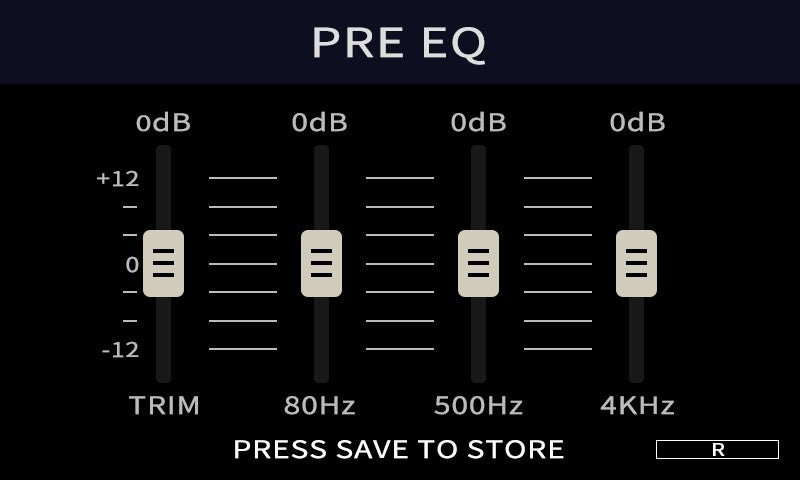
PRE EQ
with dB display
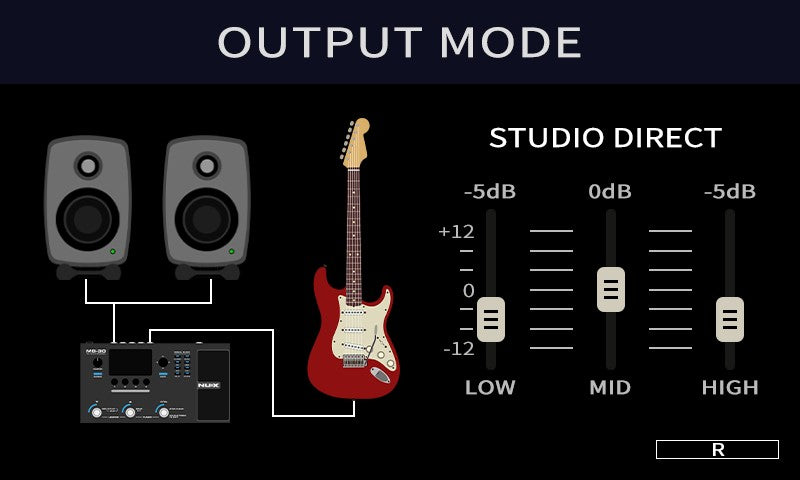
Output Mode
with dB display
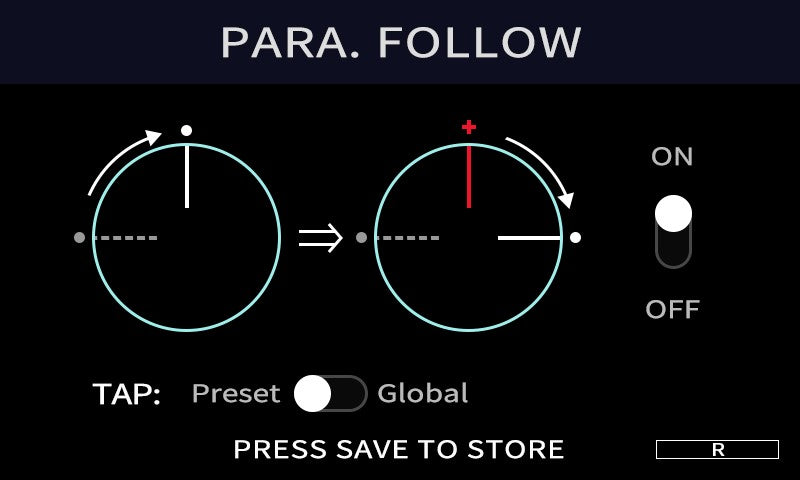
Para Follow
FOLLOW adds TAP: Preset/ Global
MG-30 Gen2 Firmware Update
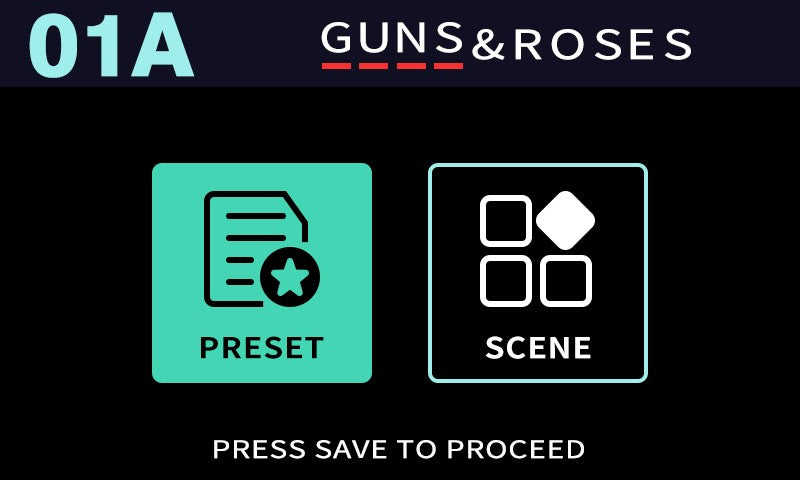
Preset / Scene Function
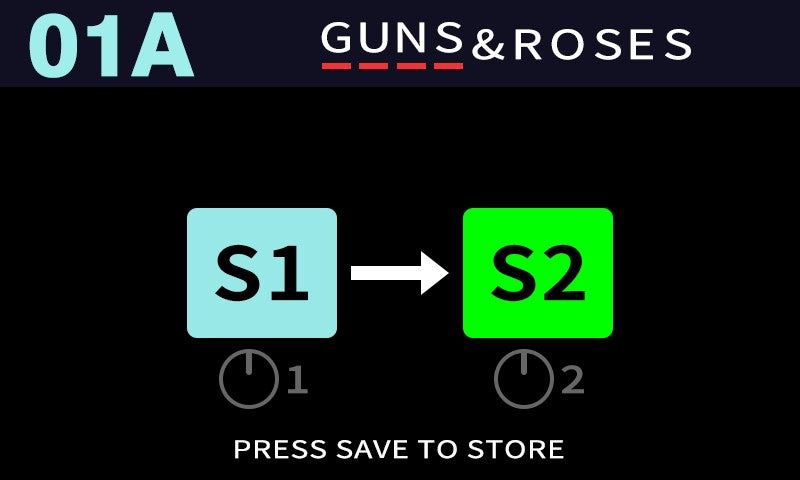
Copy Scene Function
Backup your presets
Upgrading the firmware will reset all user settings. Therefore, we recommend backing up your user presets before proceeding with the firmware upgrade.
If you do not want to keep your presets, you may skip this step.
Keep in mind
The (GEN2) firmware version is ONLY compatible with (GEN2) QuickTone™ Editor Software.
The firmware below is ONLY for the ENGLISH VERSION MG-30. If you are using the MANDARIN VERSION MG-30, updating this may cause malfunction or damage the machine.
Download your firmware based on your operating system:
Download the Quick Tone software based on your operating system:
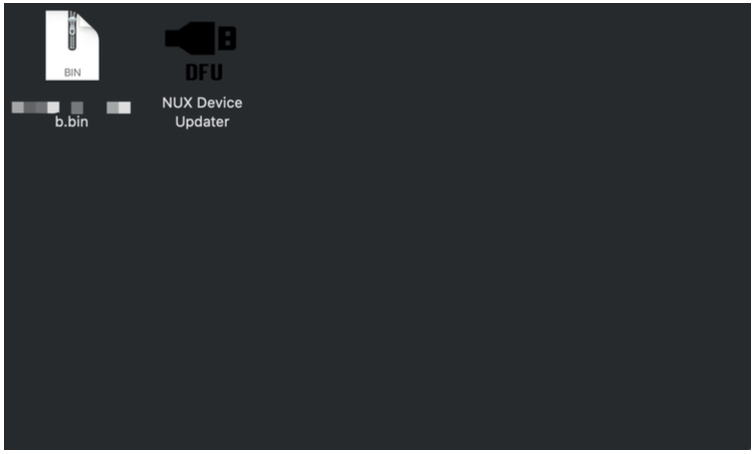
Unzip both files.
The Gen2 Firmware zip file should give you a folder that contains one "NUX Device Updater" and a .bin file (the actual binary firmware file).
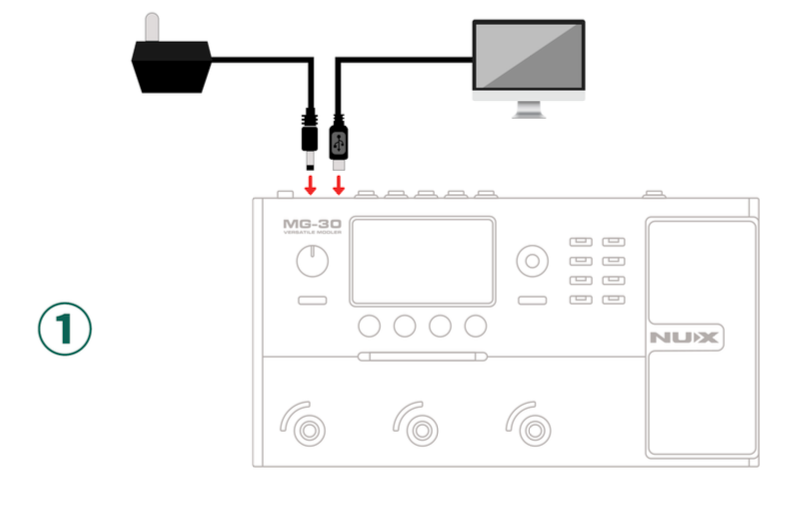
Connect MG-30 to your computer using the included USB-C cable, and plug in the power adapter.
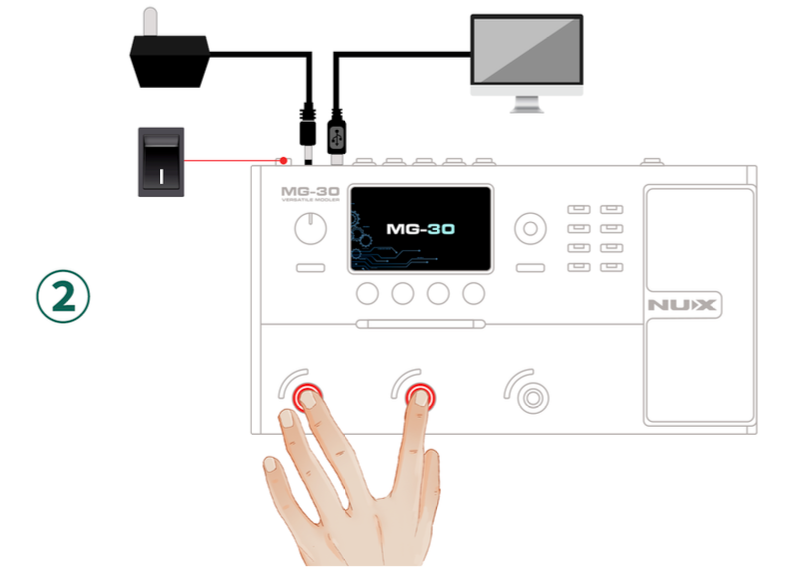
Activating the 'Device Firmware Update' (DFU) Mode
Press and hold down both the 'Down' and 'Up' footswitches while turning on the power switch. Release the footswitches until you see "Device Firmware Update" on the MG-30's display.
The "NUX DFU Updater" should now indicate that the device is connected.
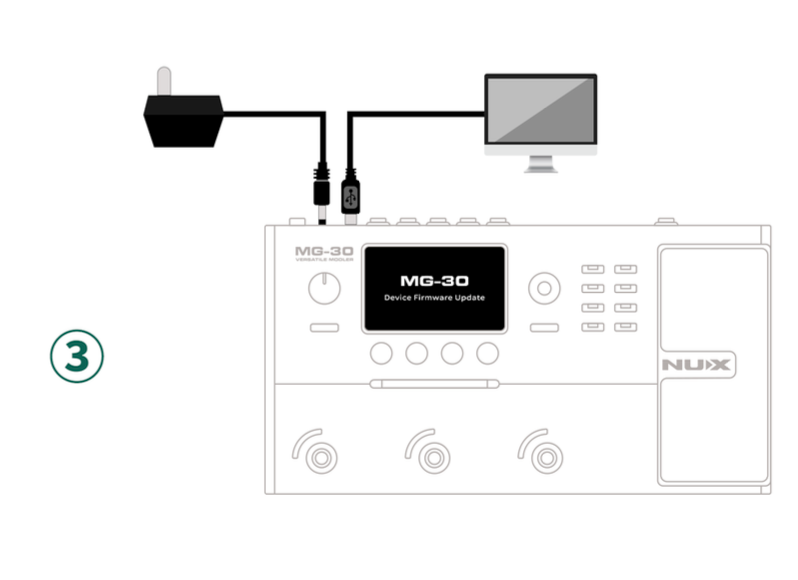
On your QuickTone app, select the .bin firmware file and click "Start Update".
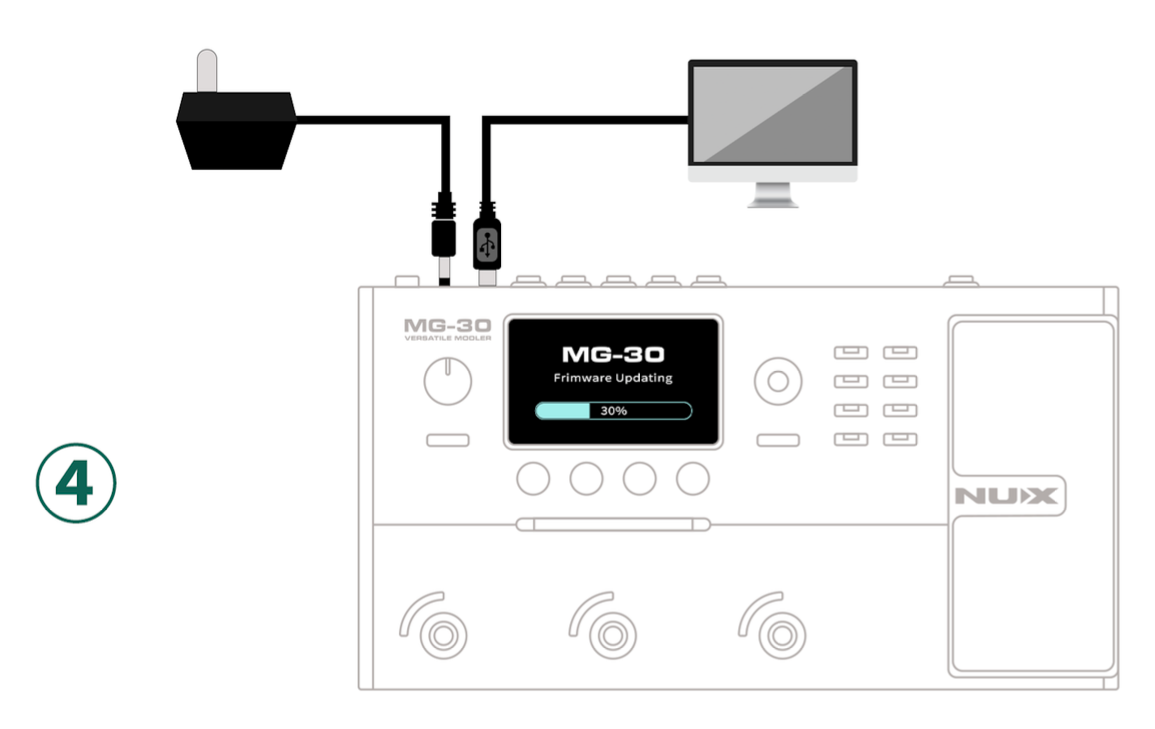
Wait until the progress to finish, it takes roughly 20 to 25 minutes.
WARNING: DO NOT Unplug the USB-C Cable or the Power Supply during the update.
When the firmware update process is completed:
Feel free to reach out to us through the form before and we'll get back to you ASAP.
Share:
What's NUX Smart Frequency Hopping System About?
NUX's 2026 Holiday Gift Guide